15 seconds · Introduction
Where does your money go?
Isabel introduces a calmer way to plan your money with My Easy Budget.
AD-FREE PERSONAL BUDGET PLANNER
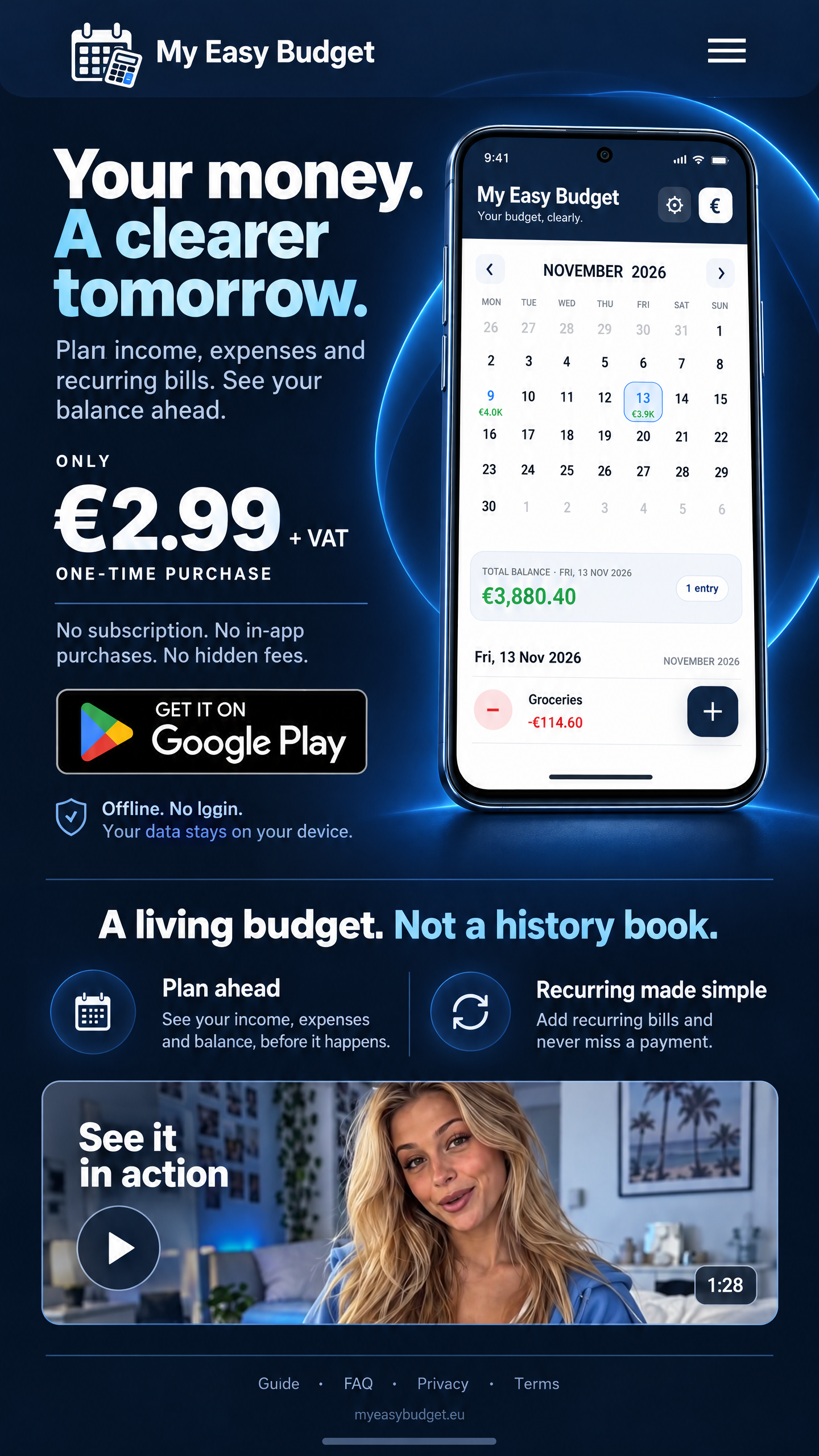
Plan income, expenses and recurring bills. See your balance ahead.
ONLY
€2.99 + VAT
ONE-TIME PURCHASE
No subscription. No in-app purchases. No hidden fees.
Offline. No login.Your data stays on your device. How privacy works ↗
Available now for Android. News about the iPhone and iPad release will be announced here.
PLAN FOR WHAT COMES NEXT
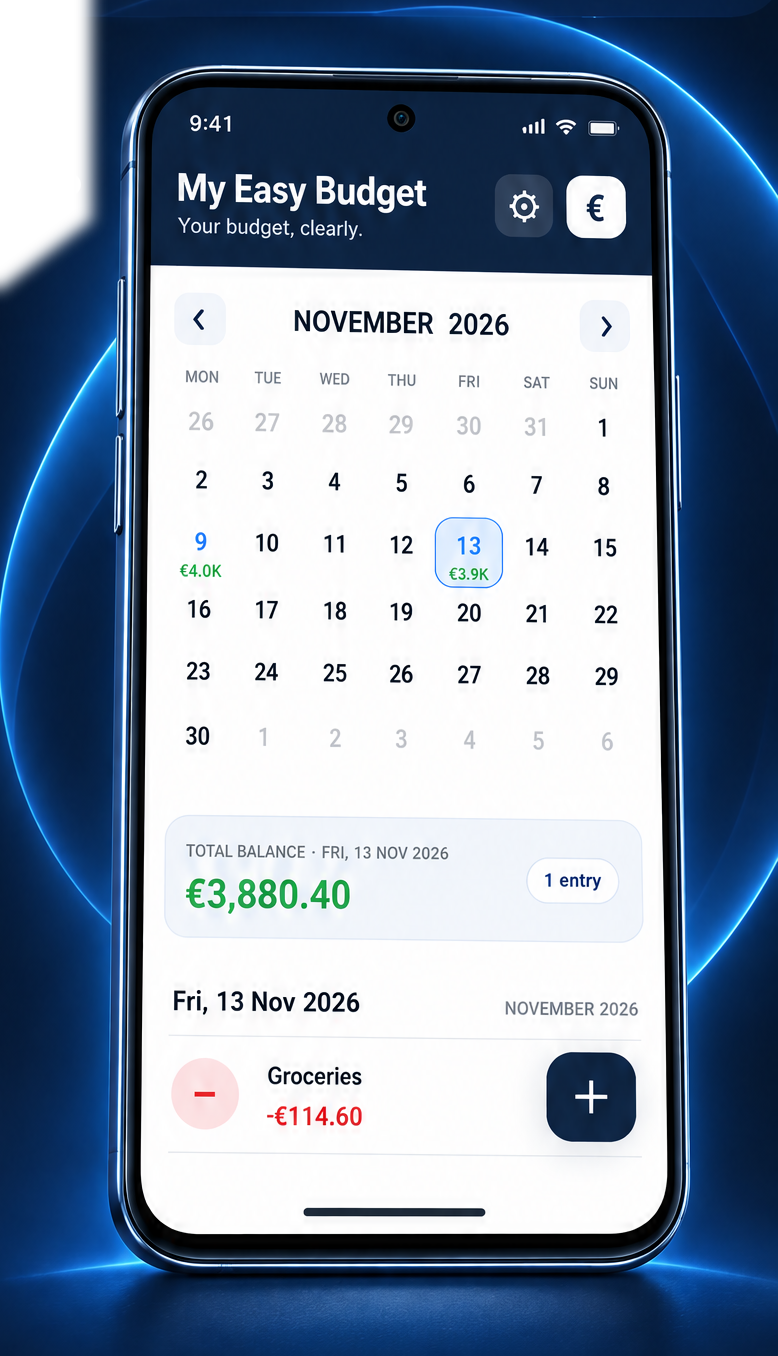
See your income, expenses and balance before the day arrives. Add recurring bills once, then follow how your plans shape the months ahead.
WATCH WITH ISABEL
Meet the app, then watch a real example. Press play on any video — nothing starts automatically.
15 seconds · Introduction
Isabel introduces a calmer way to plan your money with My Easy Budget.
About 1 minute · App walkthrough
Follow the real app screens as a Netflix expense becomes a monthly recurring entry, then see it appear in the following month.
15 seconds · Welcome
A friendly welcome to My Easy Budget and the step-by-step videos that help you get started.
Plan everyday purchases, salary, rent and subscriptions. Track your Accounts, let automatic handling update their budget balances when entries are due, and see how your plans affect the days ahead.
Choose a date and see the balance for that date — including the entries that lead up to it.
Plan a single payment, or repeat an income or expense daily, weekly, monthly or yearly.
Edit a future recurring payment only once, or update all future entries when a price changes.
Export a JSON backup through your device's sharing menu. On iPhone and iPad, choose Save to Files to save locally or to iCloud Drive. On Android, available destinations depend on your device and installed apps. Import replaces your budget only after confirmation.
Create Accounts for balances you want to track. Connect income and expenses to an Account so the app updates its budget balance when due. These are planning records, not bank connections.
Transfer budget amounts between Accounts and manage Personal spending limits. Review outstanding expenses in Payments need attention. The app never makes real bank payments.
Use optional local notifications for upcoming bills and other budget events. Delivery timing can depend on your phone's notification and power-saving settings.
Follow the Quick start guide to create Accounts, enter one-time and recurring income and expenses, and connect salary or subscriptions to Accounts.
LOCAL BY DESIGN
Use My Easy Budget without signing up. It does not ask for your name, e-mail address, date of birth, phone number, bank details or card details. The app has no ads, analytics, tracking or automatic synchronisation. Your budget stays in local storage unless you explicitly export a backup.
Read the Privacy PolicyCLEAR DOCUMENTATION
Start with a step-by-step Quick start, then learn about Accounts, recurring income and expenses, automatic handling and backups.
Open guide → 02Plain answers about local data, imports, deletions, recurring entries and more.
Open FAQ → 03What the app stores locally, and what it does not collect or send anywhere.
Read policy →CLEAR MONEY. NO CLUTTER.
Your personal budget planner. Ad-free, offline and yours to control.
ONLY
€2.99 + VAT
ONE-TIME PURCHASE
No subscription. No in-app purchases. No hidden fees.
Available now for Android. Local taxes and store pricing may vary.